Chat and share files on your own network.
Open source, rewritten from scratch: a new design, chat balloons, faster file transfers, voice messages at your speed, new emoji and group administrators. Still no server, no account, no cloud.
The beta is here, free to try. The final version? Rumour has it, in December...
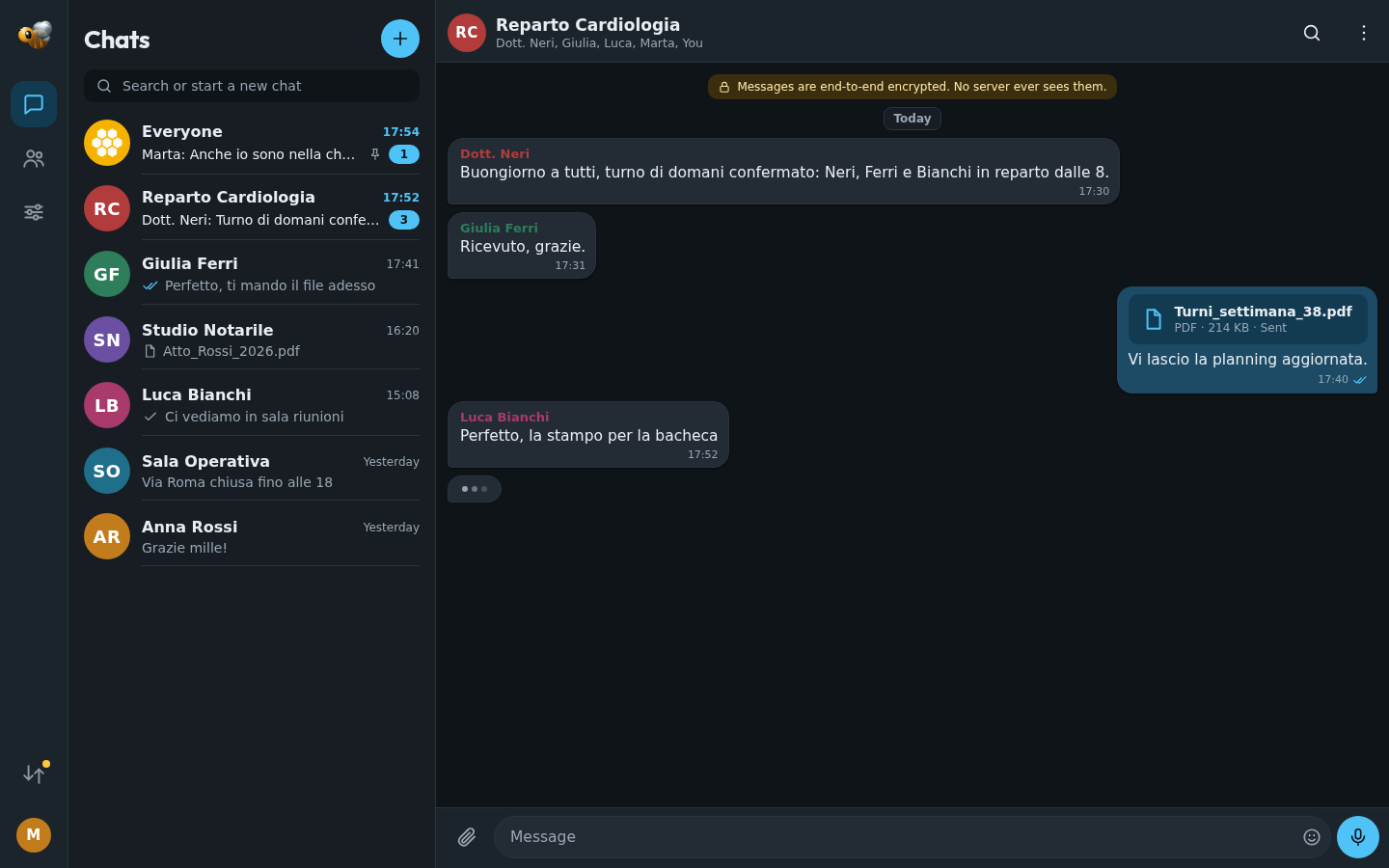
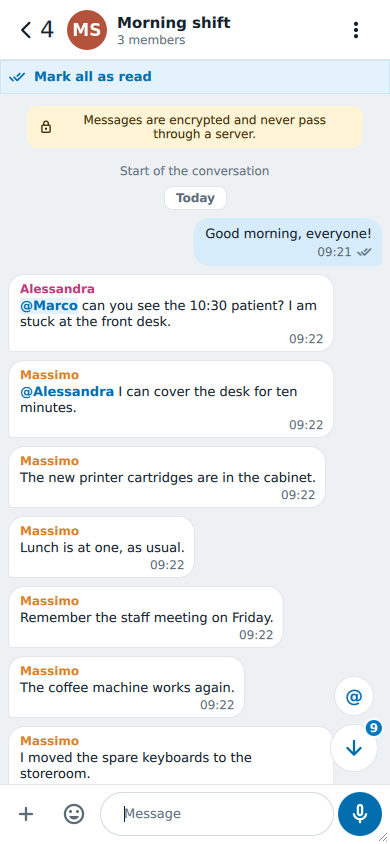
Everything is new
Sixteen years of requests from its users, in an application written again from the first line.
Still serverless
BeeBEEP 6 finds the other BeeBEEPs on your network by itself and talks to them directly: no server to install, no account to create, no cloud in between.
A new look, from the first screen
Designed for the phone first and at home on a wide screen, with two panes side by side. Light or dark, as you like, or as your system says.
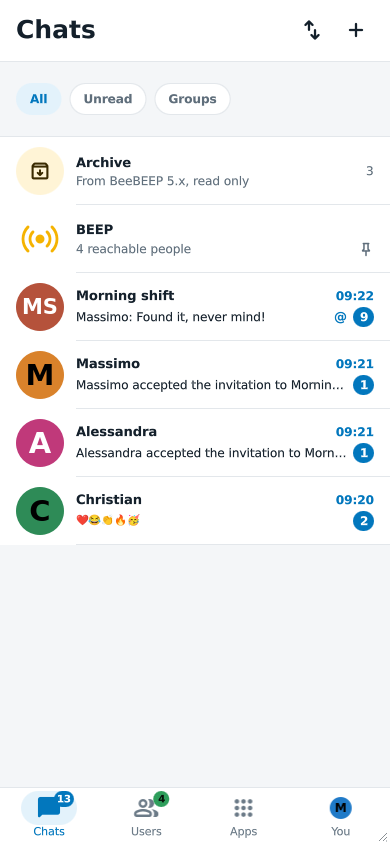
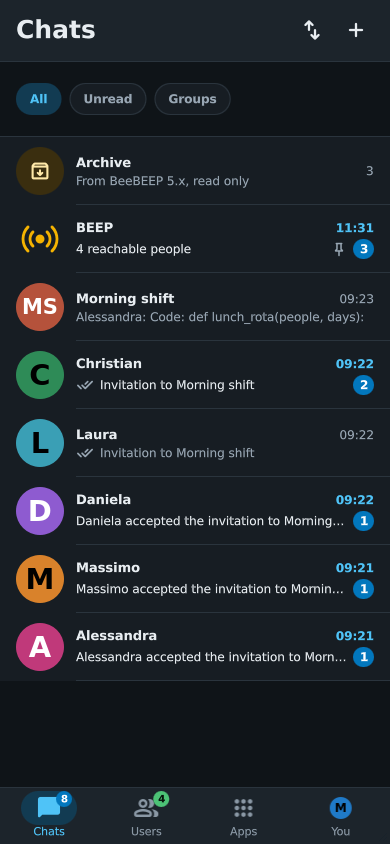
Chat balloons
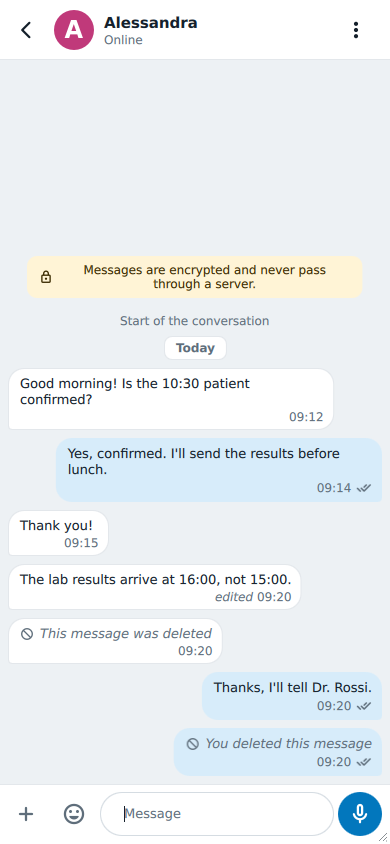
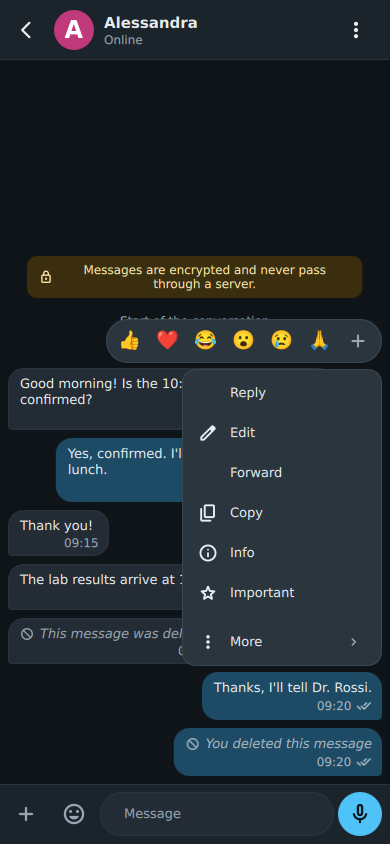
Messages in balloons, as in the messengers you use every day: yours on one side, your colleagues' on the other, each with who wrote it and when.
Files, faster and sturdier
Files travel on the same connection as the messages: if you can chat, you can send files, with no second port to open in the firewall.
Voice messages, at your speed
Record a voice message in a moment, and listen to the ones you receive at normal speed, 1.5x or 2x.
New emoji, the same for everyone
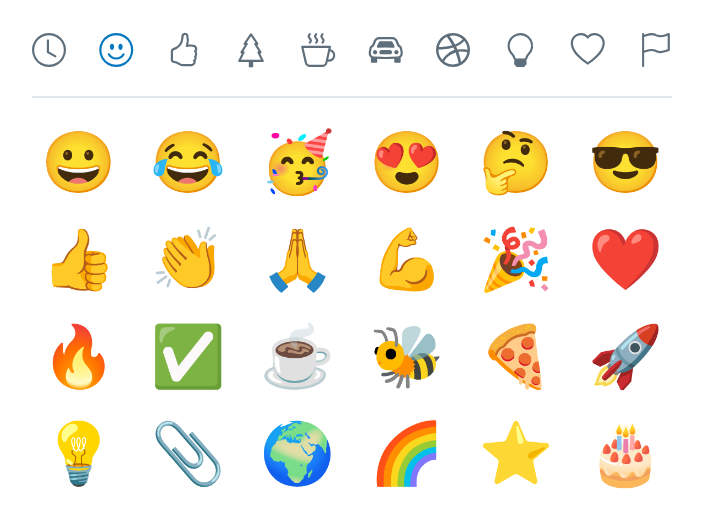
A full color emoji picker, one category at a time, with your recent ones first. On Windows and Linux BeeBEEP brings its own color emoji, so whoever writes and whoever reads see the same picture.
Groups with their administrators
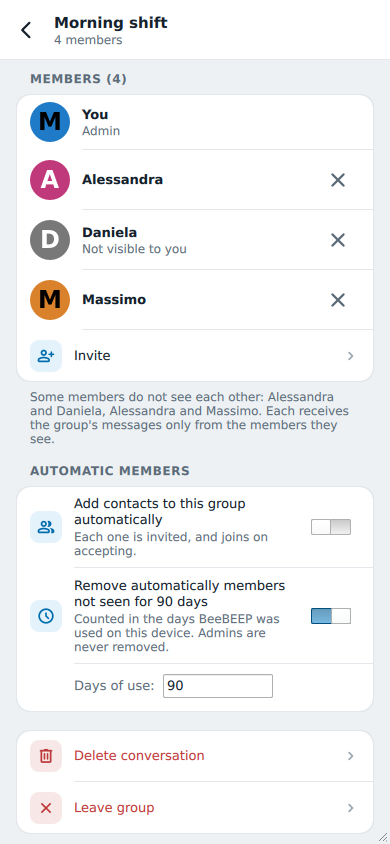
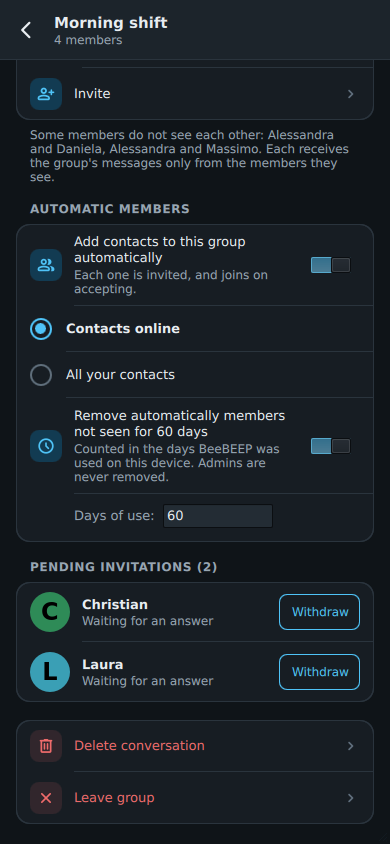
Every group has its administrators, even more than one: they choose its name, its picture and its members. And nobody is added to a group without saying yes: an invitation waits until you accept it.
A console for your scripts
Python, PowerShell, a shell script or an AI agent can send messages and files, manage groups and hear everything that happens, as it happens.
Private by design
Messages, groups and files are encrypted on your device and opened only on the recipient's, even when another BeeBEEP carries them.
Even without a network
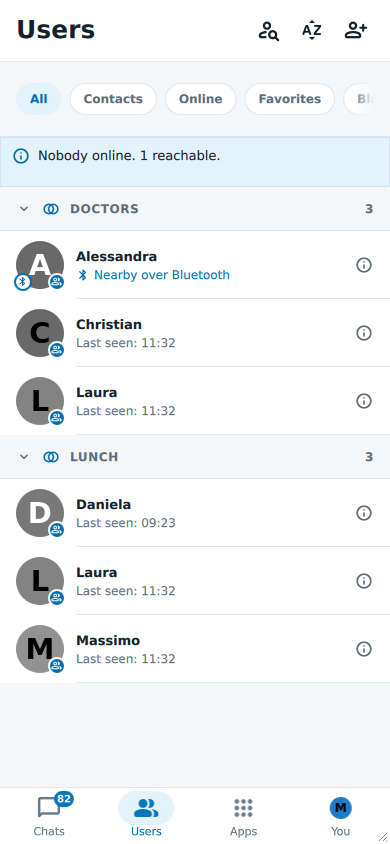
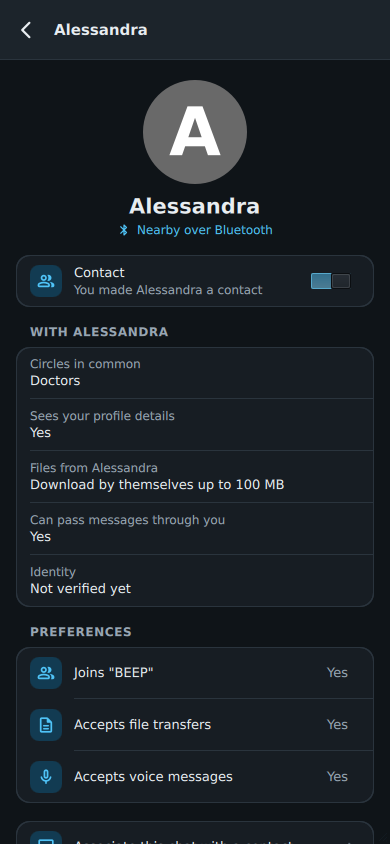
Every BeeBEEP still finds the others by itself. And when there is no network at all, nearby devices reach each other over Bluetooth.
On every desk and in every pocket
One application, the same look and the same chats, for the first time on phones and tablets too.
29 languages from day one
Right to left included, with the whole interface mirrored. Translators can try their corrections in the real application.
- English
- Italiano
- Español
- Deutsch
- Français
- Português
- العربية
- Русский
- 中文
- …

What has not changed since 2010
- No server to install, nothing to configure
- No registration, no account, no tracking
- Your messages never leave your network
- Open source under the GNU GPL, as it has always been
- The same developer: Marco Mastroddi (opens in a new tab)

Try BeeBEEP 6 before everyone else
Open source, in your language, on your network in a minute. No account to create.
Follow the development on the news page and in the journal (opens in a new tab) · Source code on SourceForge (opens in a new tab) · Support BeeBEEP
Moving from BeeBEEP 5
BeeBEEP 6 talks to BeeBEEP 5, so your office can move one workstation at a time, with nobody left out.
